Windows
Windows 10 and later.
Install guide →The whole pipeline on your machine
The desktop app is free and open source. It records, transcribes, labels speakers, and summarises entirely on-device. Attach documents and images to feed the summary, name a speaker once to recognise them later, translate a transcript, and re-run processing on a recording. No account, no telemetry. The only network call it makes is the model download you start yourself.
Desktop, free build
Windows 10 and later.
Install guide →Apple silicon and Intel.
Install guide →AppImage; distribution packages via the install guide.
Install guide →Connected tier · AUD$20/yr
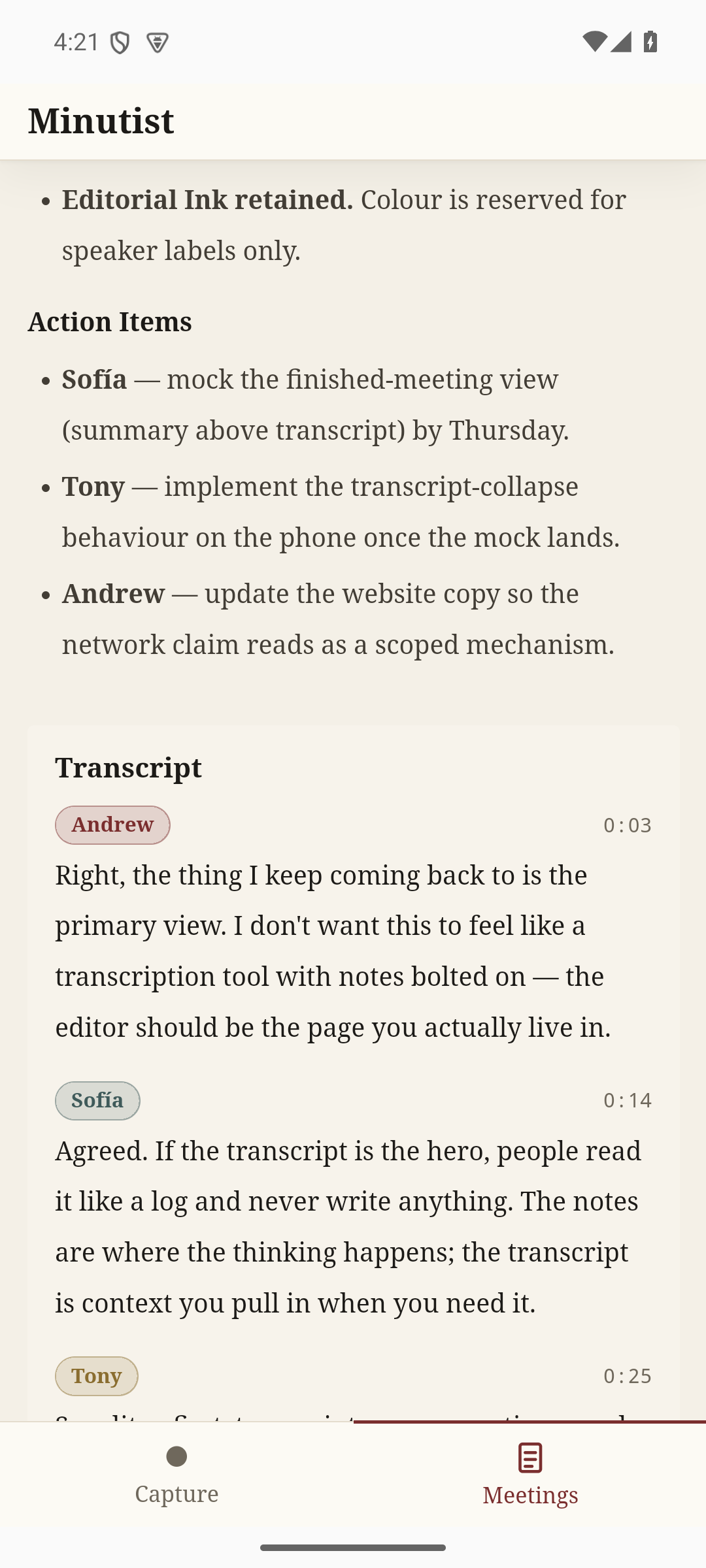
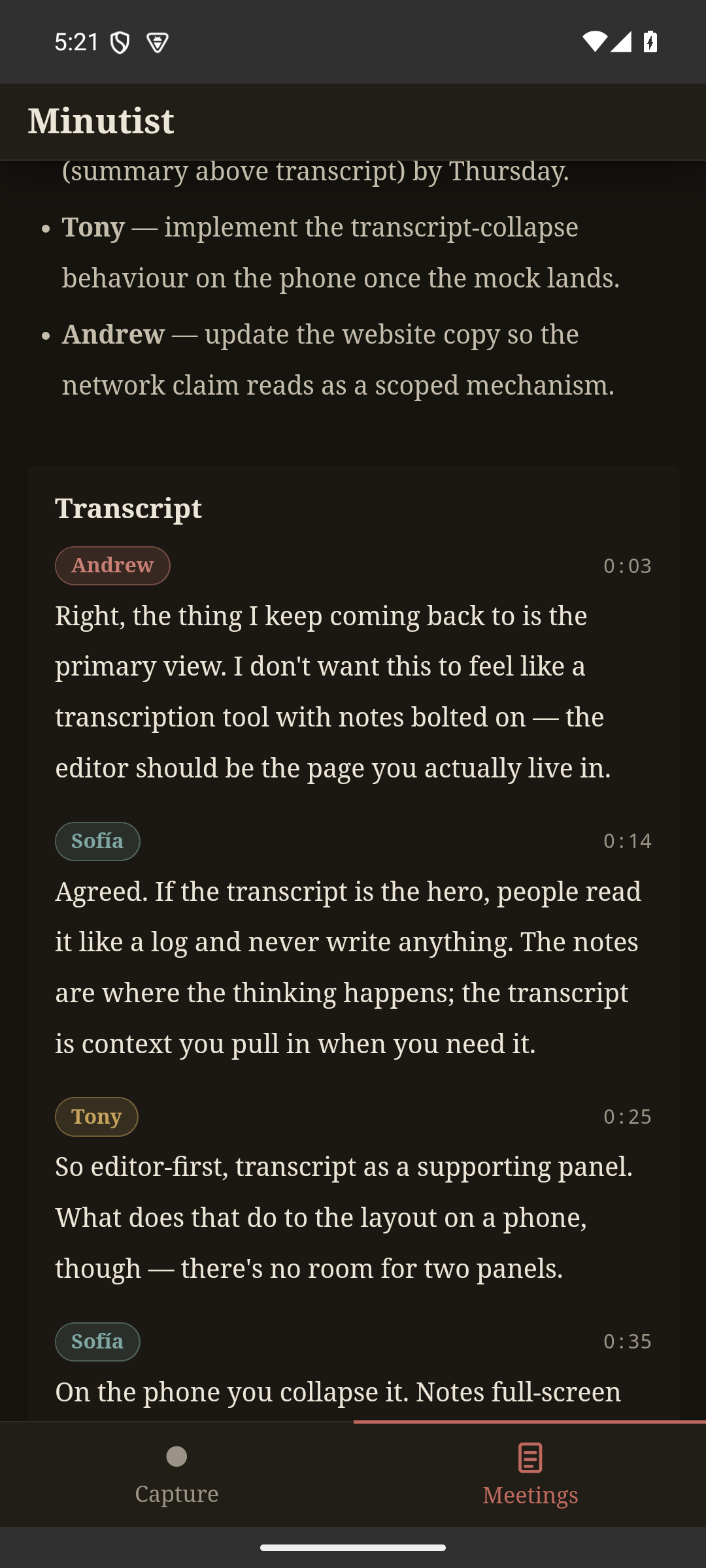
The Android app is a capture-and-view client (iOS coming soon). It records audio (including long background recordings) and takes manual notes. It runs no on-device ML. A signed-in desktop receives the audio, runs the full pipeline, and syncs the transcript and summary back over an end-to-end-encrypted channel.
Open source
The free build is AGPL-3.0. The full source is on GitHub. If you prefer to build yourself, or you are packaging for a distribution, the install guides walk through the toolchain requirements.