01
Fully local. Fully open.
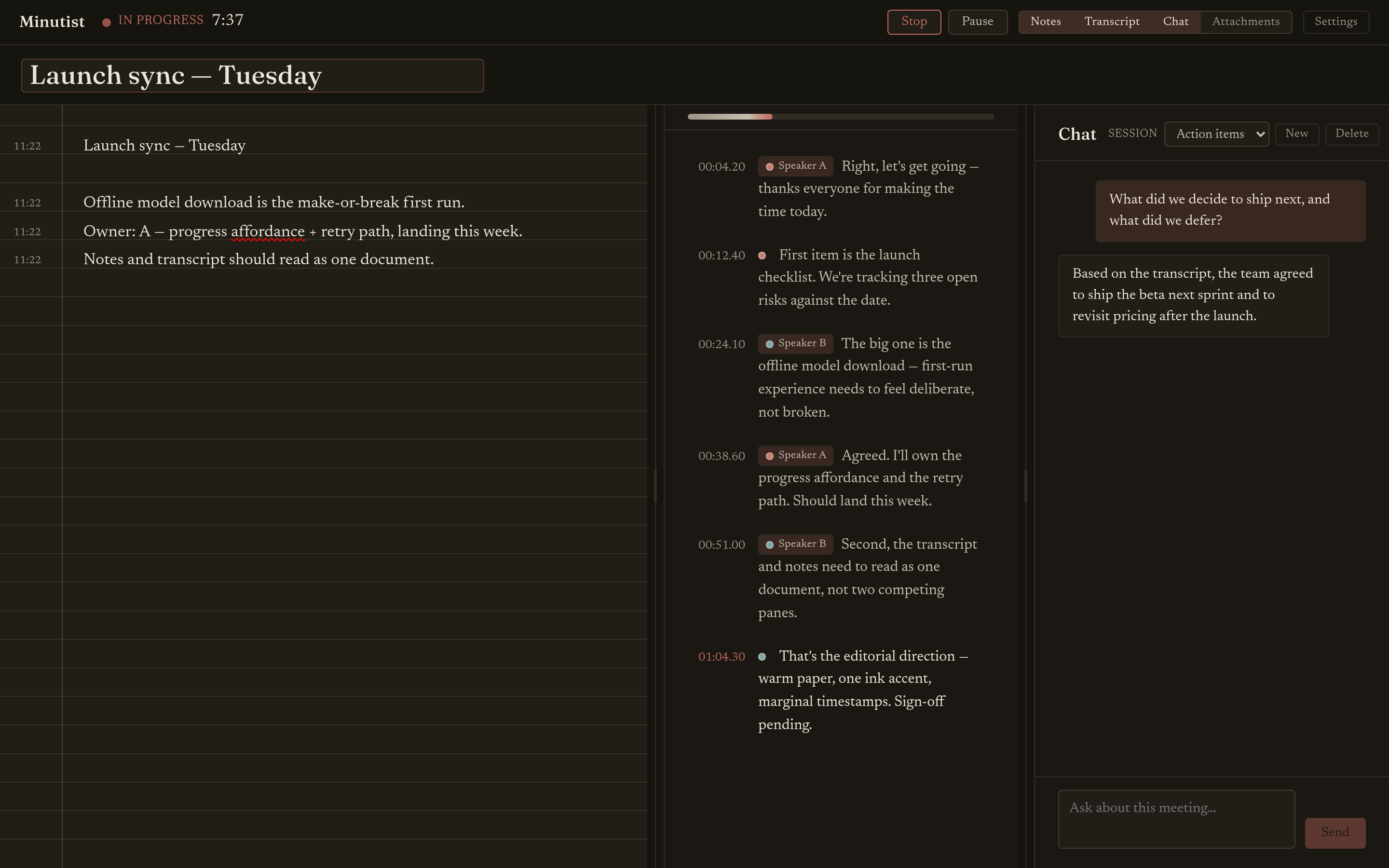
Most meeting tools send your audio to a server to transcribe and summarise it. Minutist runs that whole pipeline on your own machine instead, and the source is open (AGPL-3.0), so you can verify it does.
Recorded where it stays: on your machine
Record, transcribe, take notes and summarise locally, with no account and nothing sent to a server. Open source and free. An optional paid tier adds encrypted sync across your devices and the Android phone companion.
Three things that make it different
01
Most meeting tools send your audio to a server to transcribe and summarise it. Minutist runs that whole pipeline on your own machine instead, and the source is open (AGPL-3.0), so you can verify it does.
02
The connected tier syncs your notes and transcripts across your own devices, end-to-end encrypted. Our server brokers the connection and store-and-forwards ciphertext for offline devices, but it never holds your plaintext.
03
Turn on the desktop app's MCP connector and point Claude Code, Claude Desktop, or Codex at it, and they can read a transcript or your notes when you ask. That sends the meeting you choose to your external AI provider, by design and only when you ask.
On your machine, end to end
Record the meeting on your desktop, or on your phone with the screen off. Either way, the audio stays on your own devices.
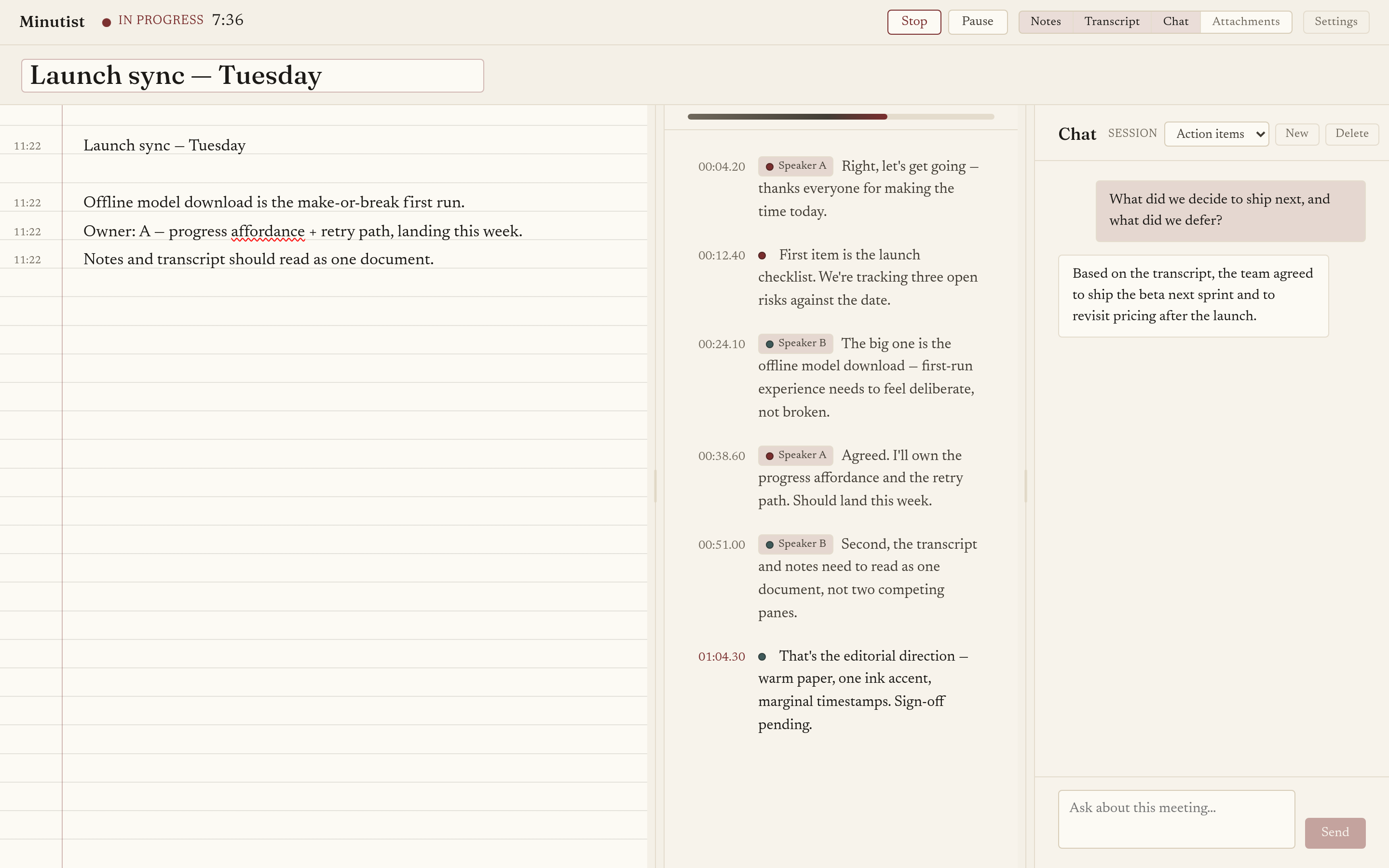
Speech to text runs on your machine, labelled by speaker, so the transcript reads as a conversation. Nothing is uploaded.
Type your own notes alongside the transcript. They cross-reference what was said, so each note stays anchored to the moment it came up.
A local model drafts a structured summary: a short overview, the key decisions, and the action items. On a discrete-GPU machine, an optional live assistant keeps a running digest while you record.
Ask the built-in agent about a meeting and it answers from the record, retrieving what it needs from the transcript, your notes, and attachments, entirely locally.
Capture anywhere
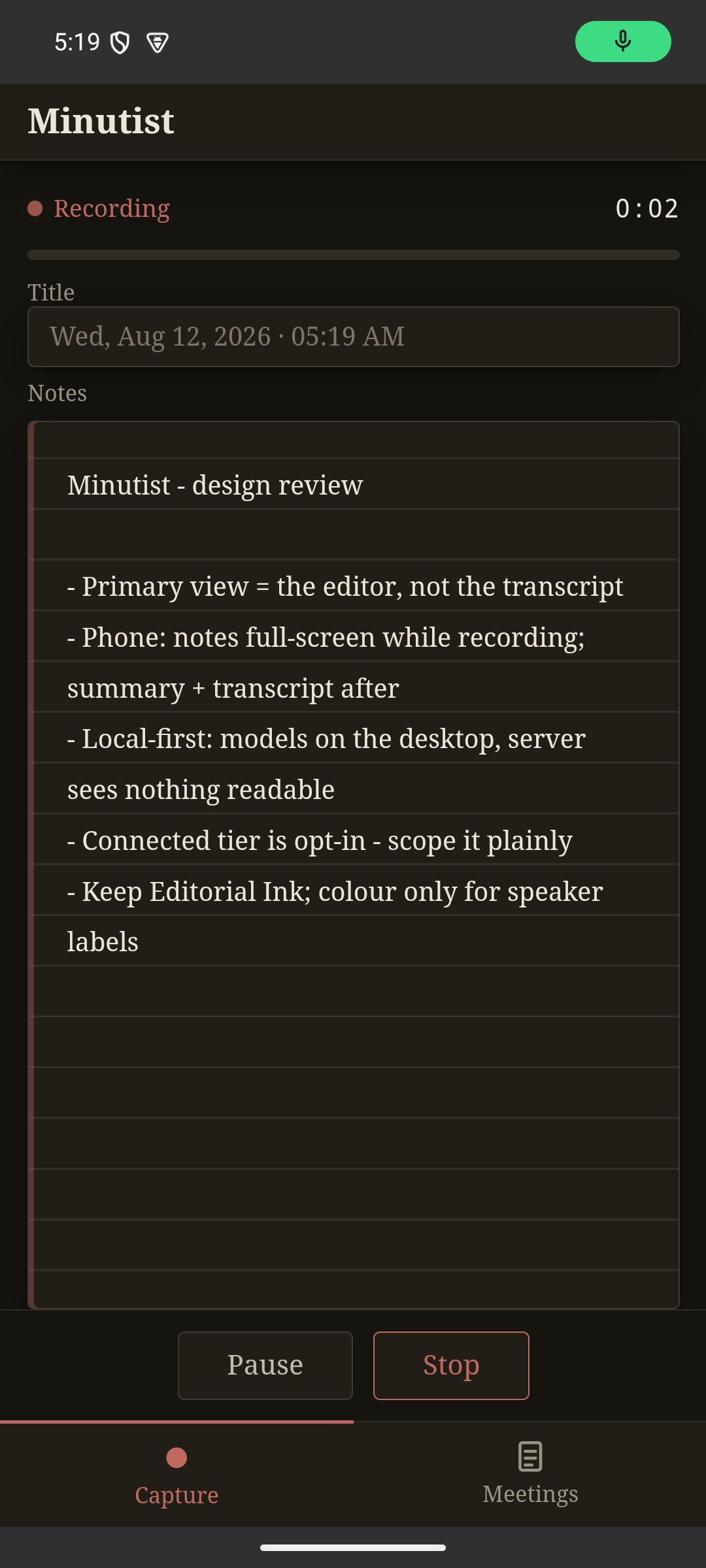
The Android companion records meetings and takes notes from your pocket (screen off, in the background, iOS coming soon). It doesn't transcribe on the phone: one of your own desktops runs the pipeline, and the transcript and summary sync back.
About the phone companion →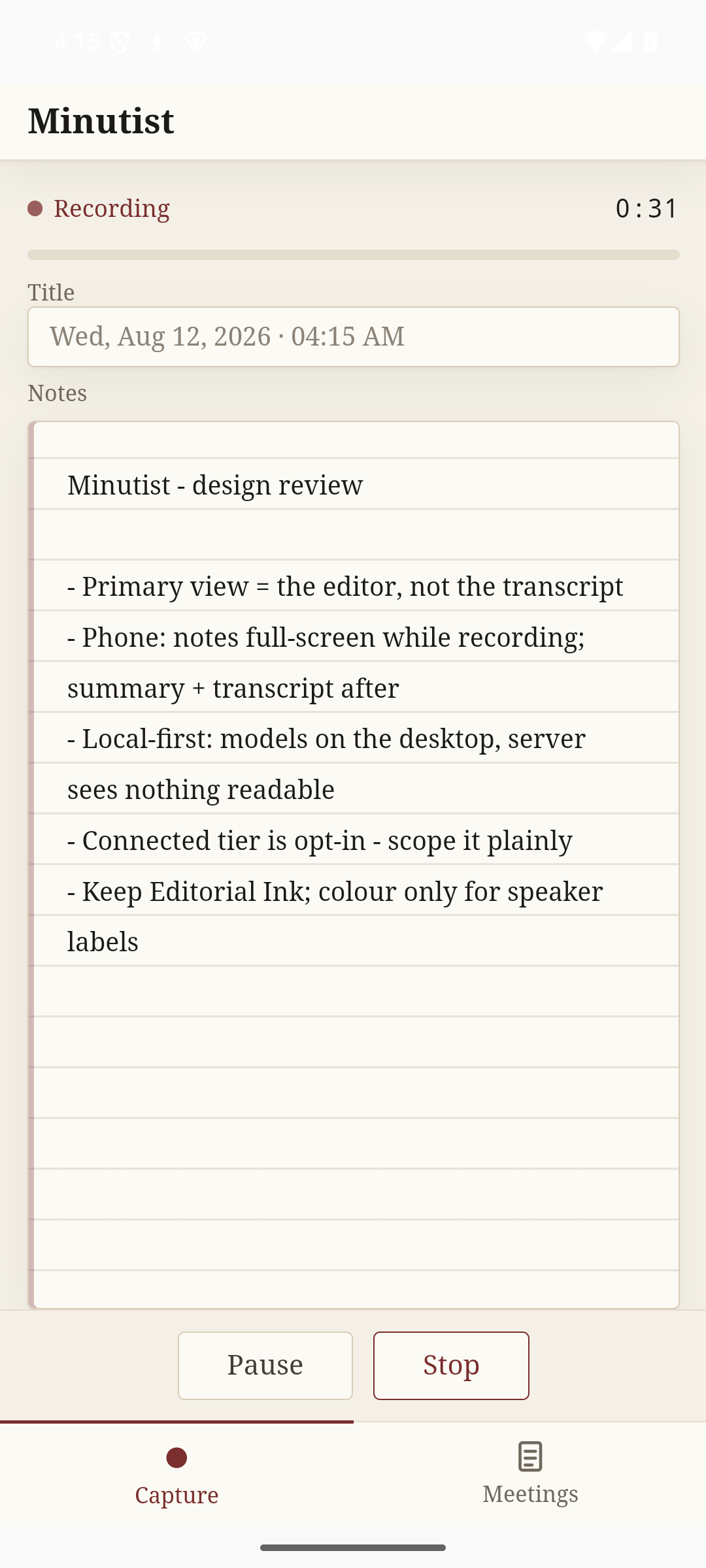
Free · Local
Connected · AUD$20/yr
The desktop build is complete on its own. The connected tier is for when you have more than one device: your meetings stay in step across your machines through our hosted relay, and you can capture from your phone. Both run on the same encrypted channel.
See pricing →