No live transcript during capture.
The phone does not transcribe while recording. This is deliberate: it keeps audio off a platform cloud. The transcript appears after the desktop has processed the file.
Capture anywhere, process on your machine
The companion is a thin capture-and-view client. On Android, it records audio, including long background sessions with the screen off, and takes manual notes. After you stop, it hands the audio to one of your own desktops, which runs the normal pipeline and syncs the transcript and summary back.
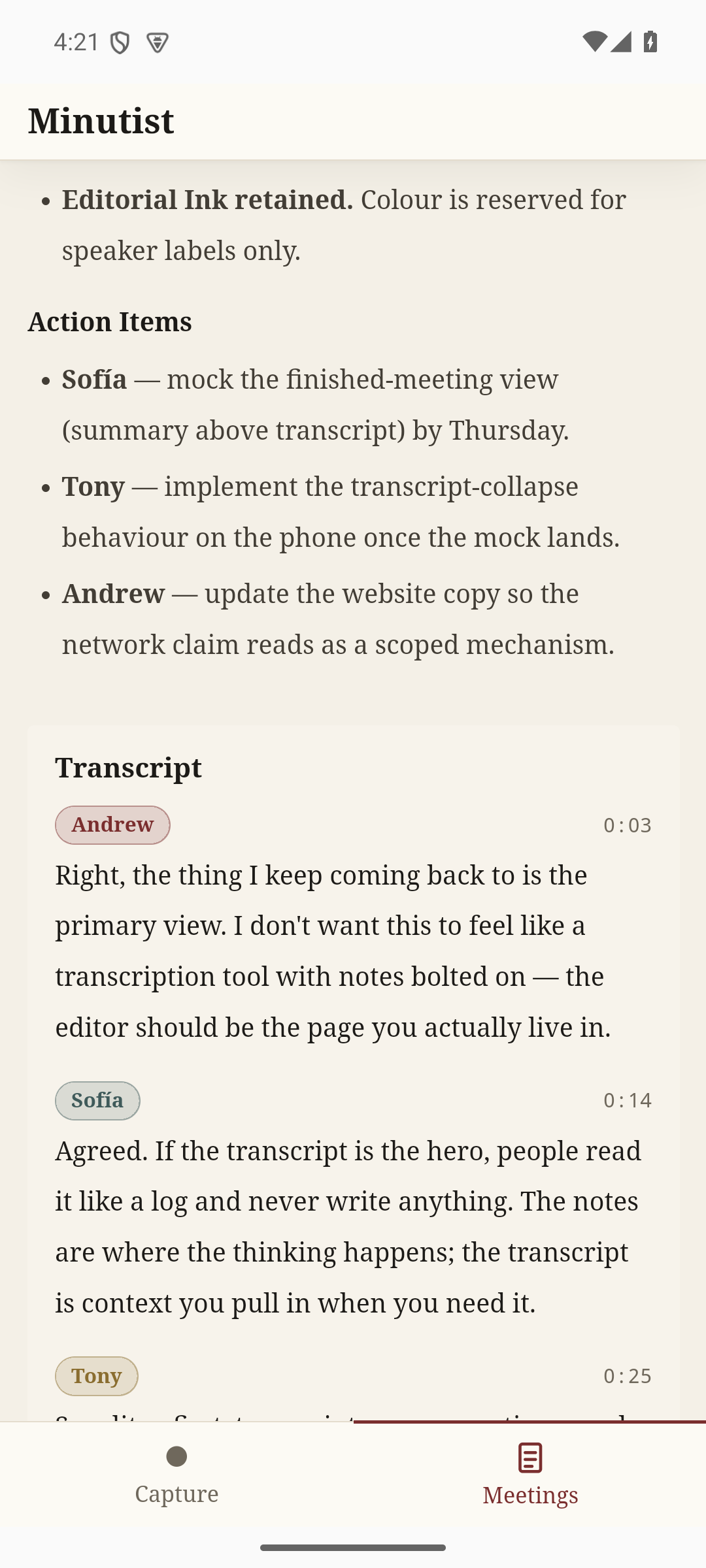
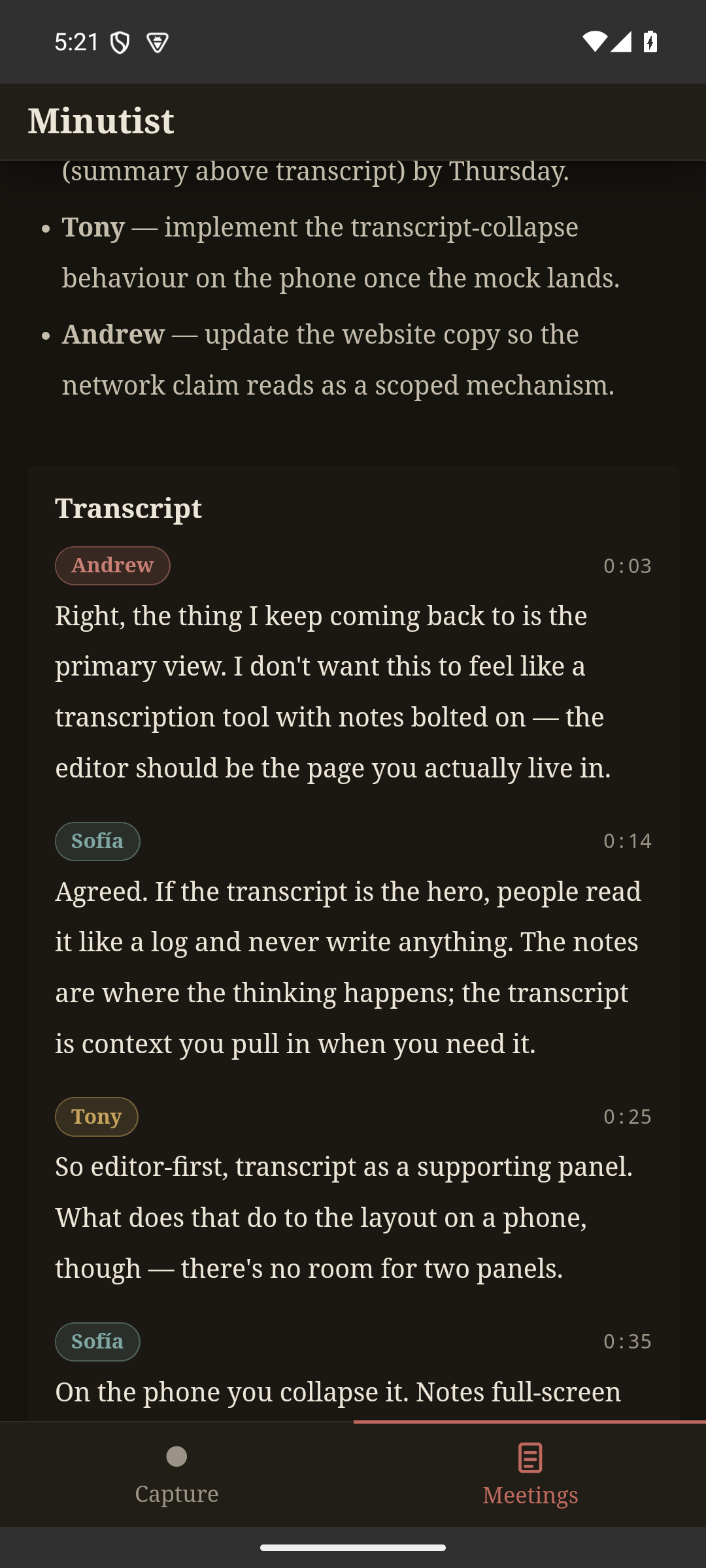
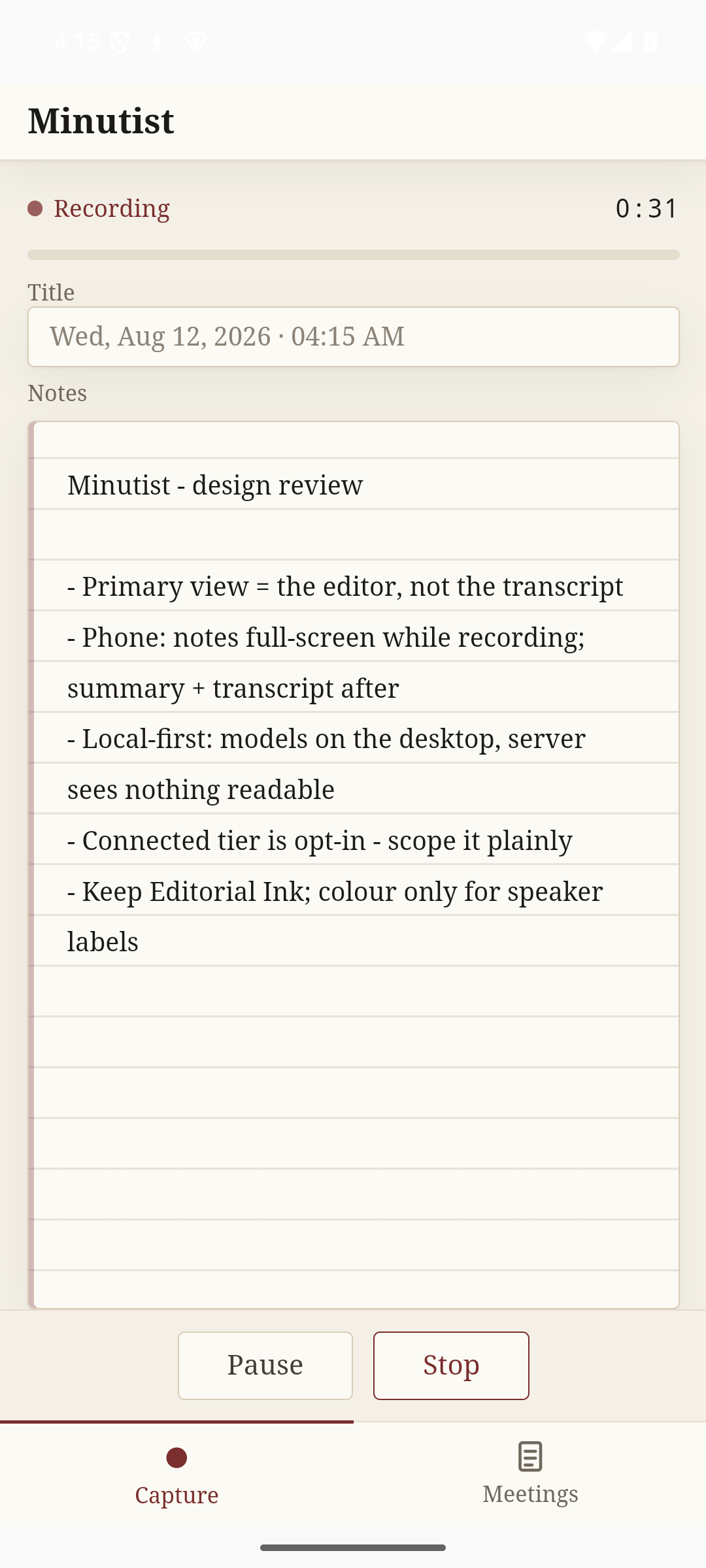
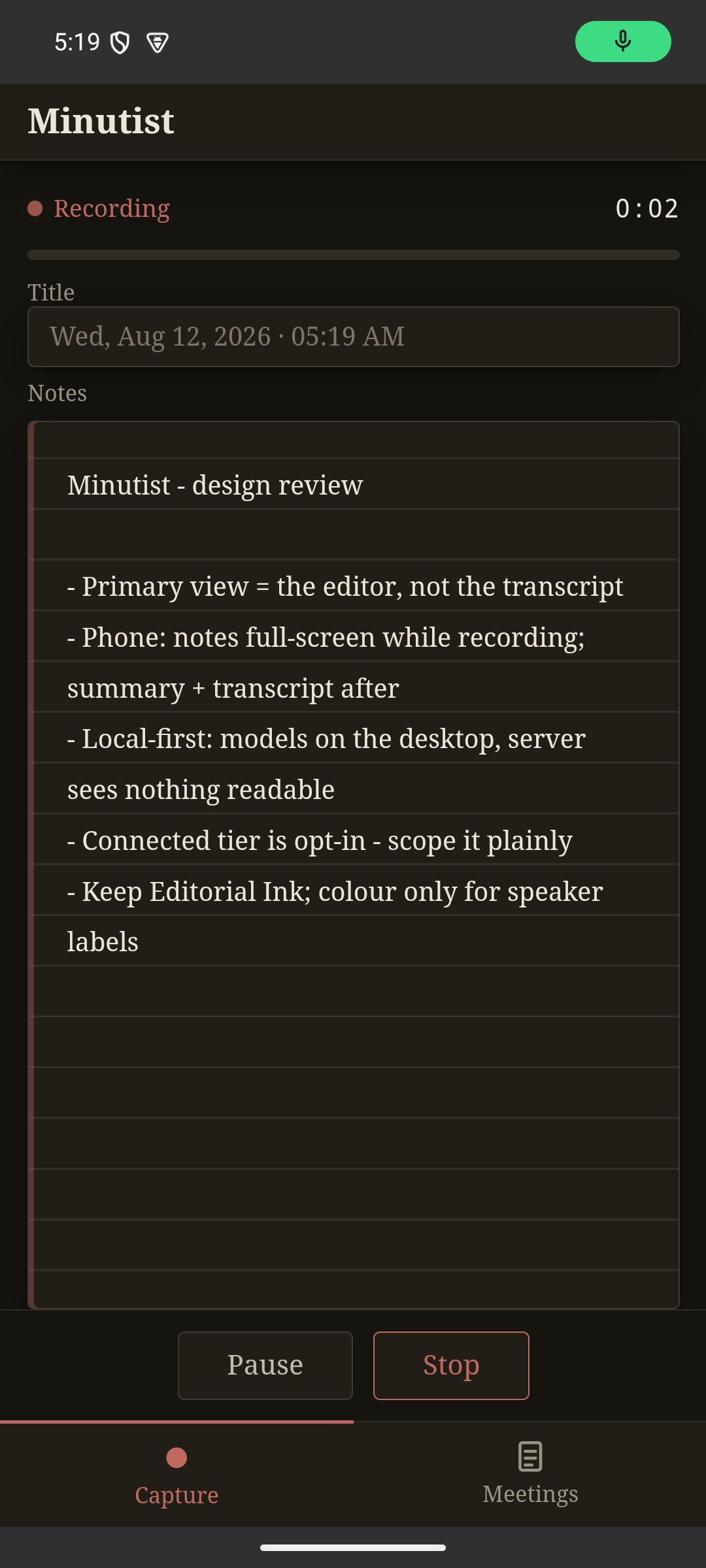
How a phone-captured meeting works
Open the companion, start a recording. Put the screen off and audio keeps going. Add a typed note if something needs flagging mid-meeting.
After you stop, the phone sends the audio and notes to one of your own desktops over the encrypted sync channel. No audio ever goes to a platform cloud.
Transcription, speaker labelling, and summarisation happen on your machine, the same pipeline as a desktop-recorded meeting.
The finished transcript and summary sync back to the companion end-to-end encrypted. Our server brokers the connection and store-and-forwards ciphertext for offline devices, never your plaintext.
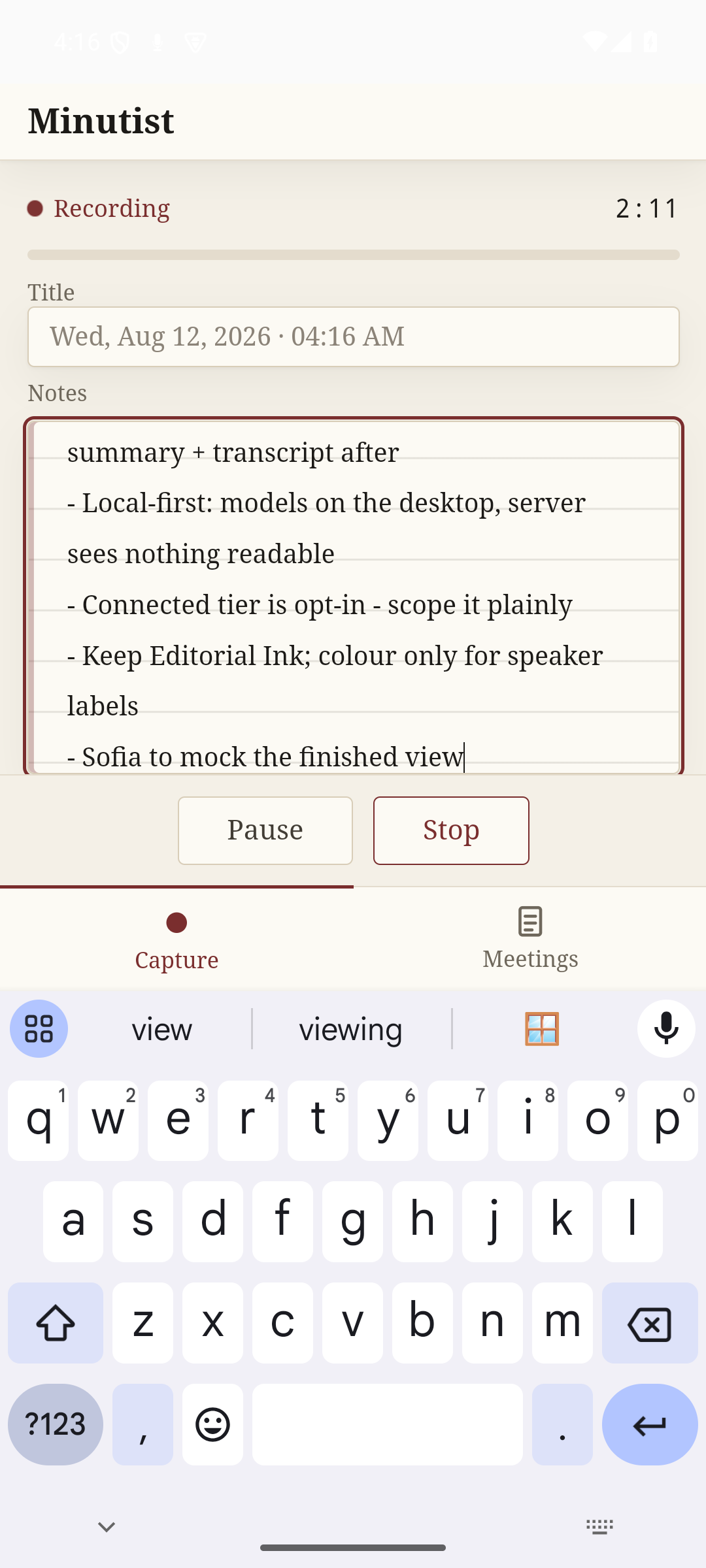
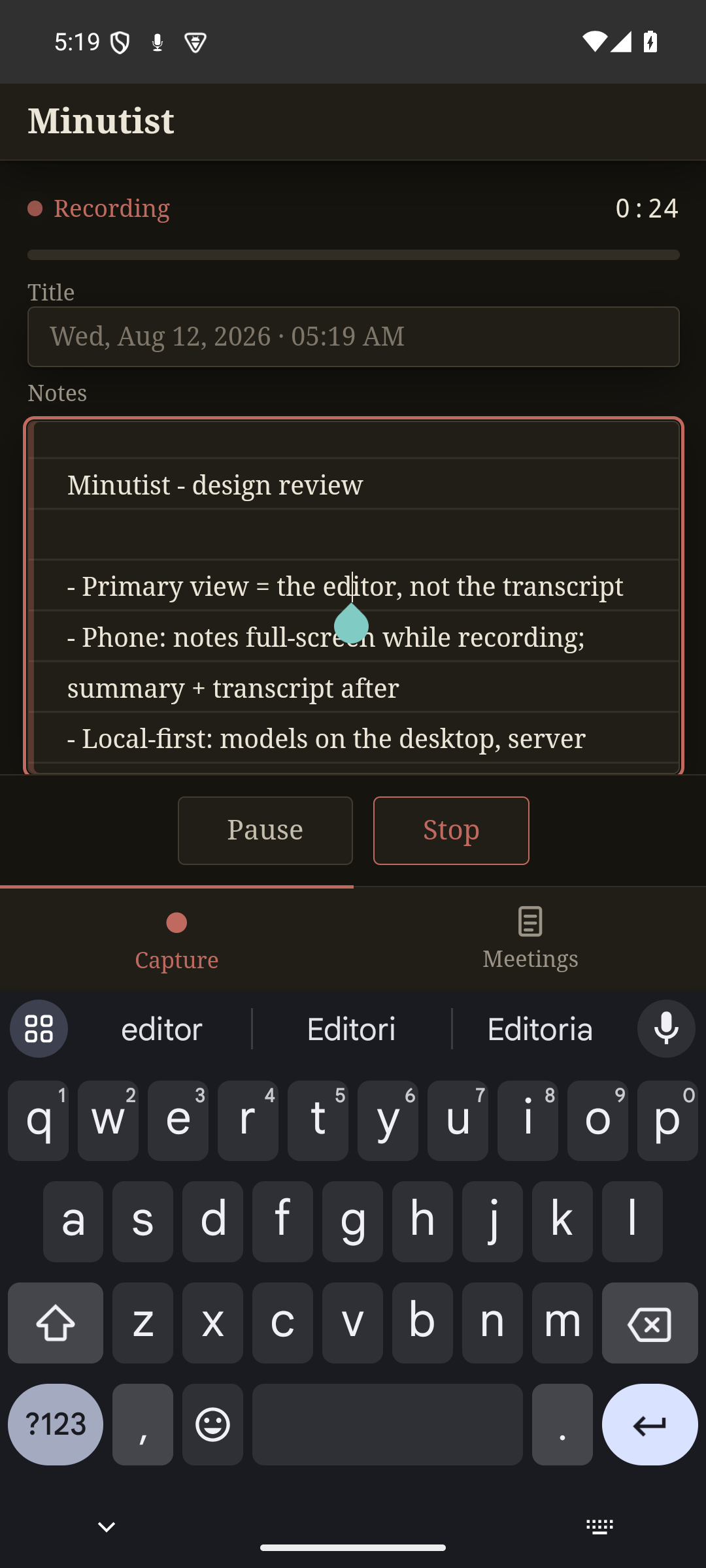
Notes, the moment they matter
Names, decisions, an action item to chase later: type it as it happens. Notes are captured on the phone immediately, no desktop and no sync required. They travel with the recording when your desktop adopts it and land in the finished meeting alongside the transcript.
How it actually works
The phone does not transcribe while recording. This is deliberate: it keeps audio off a platform cloud. The transcript appears after the desktop has processed the file.
No on-device ML. No model downloads. The companion records audio, takes manual notes, and displays results. Compute stays on the desktop that has the memory for it.
Android runs a foreground-service notification for the duration of the recording; this is a system requirement, not a design choice, and the session continues when the screen locks. iOS is coming soon; the intended approach there is the audio background mode.
Connected tier · AUD$20/yr
The phone companion requires the connected tier, which also adds end-to-end encrypted sync across your devices.
Free build
The free desktop build is the whole pipeline: record, transcribe, label speakers, note, summarise, chat. No account, no companion. The only network call it makes is the model download you start yourself.
Download free